EasyLottie Guide
GIF vs WebM vs Lottie ZIP: 9 Real Exports Compared
We exported three clips to GIF, WebM, and raster Lottie ZIP through the same converter. Compare the real files, measured timings, and transparency before choosing.
Measured exports: three sources, three formats
Measured on 9 September 2026 in desktop headless Chrome 152.0.7977.83, using the real EasyLottie converter UI. Each source was uploaded separately for each format. Requested settings were 480 px longest edge, 24 fps, the full source duration, and a 450-frame ceiling. Green keying was enabled only for the green-screen shape; the other two kept their backgrounds.
This is one recorded run per source and format on a local development build, with library scripts prefetched and analytics blocked. Lottie ZIP and WebM used quality 0.7; GIF uses its own fixed palette settings, so the controls do not represent equal perceptual quality. Download the exact source and output files below, or inspect every field and SHA-256 hash in the public manifest.
| Source / output | Bytes | Dimensions | Actual frames / duration / average fps | Background check |
|---|---|---|---|---|
| Green-screen shape / Lottie ZIP | 153,023 | 480×480 | 96 / 4.000s / 24.00 fps | Keyed alpha observed |
| Green-screen shape / GIF | 238,778 | 480×480 | 96 / 4.000s / 24.00 fps | Keyed alpha observed |
| Green-screen shape / WebM | 18,116 | 480×480 | 81 / 3.963s / 20.44 fps | Keyed alpha observed |
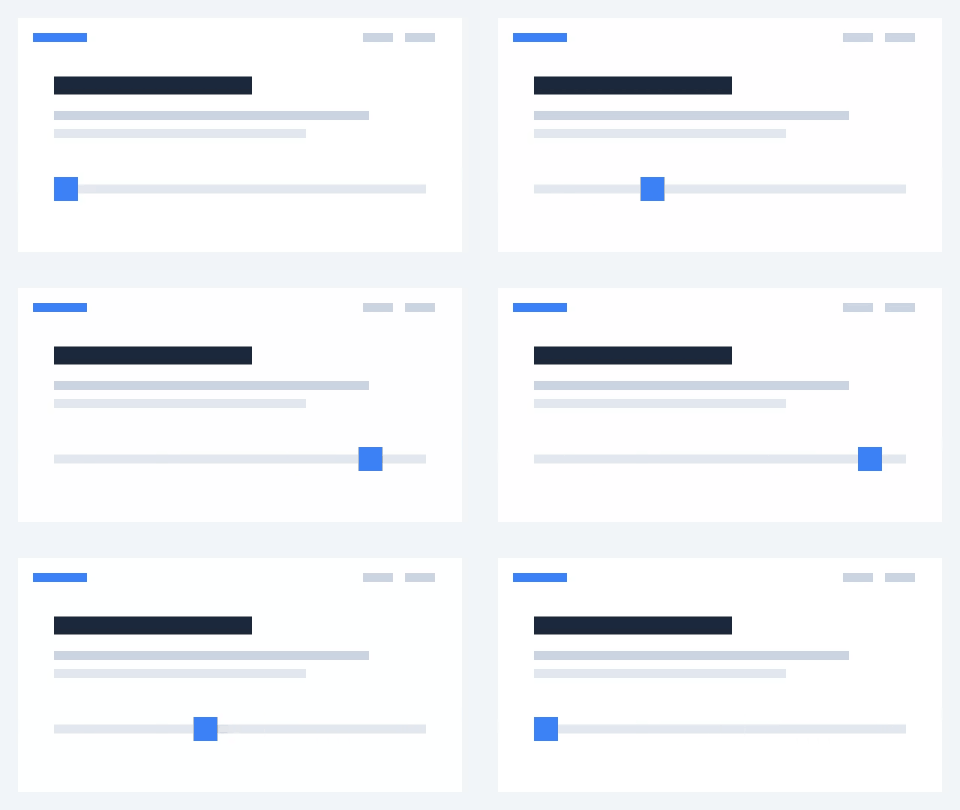
| UI animation / Lottie ZIP | 187,773 | 480×270 | 96 / 4.000s / 24.00 fps | No key; inspect alpha in manifest |
| UI animation / GIF | 506,377 | 480×270 | 96 / 4.000s / 24.00 fps | No key; inspect alpha in manifest |
| UI animation / WebM | 34,001 | 480×270 | 74 / 3.961s / 18.68 fps | No key; inspect alpha in manifest |
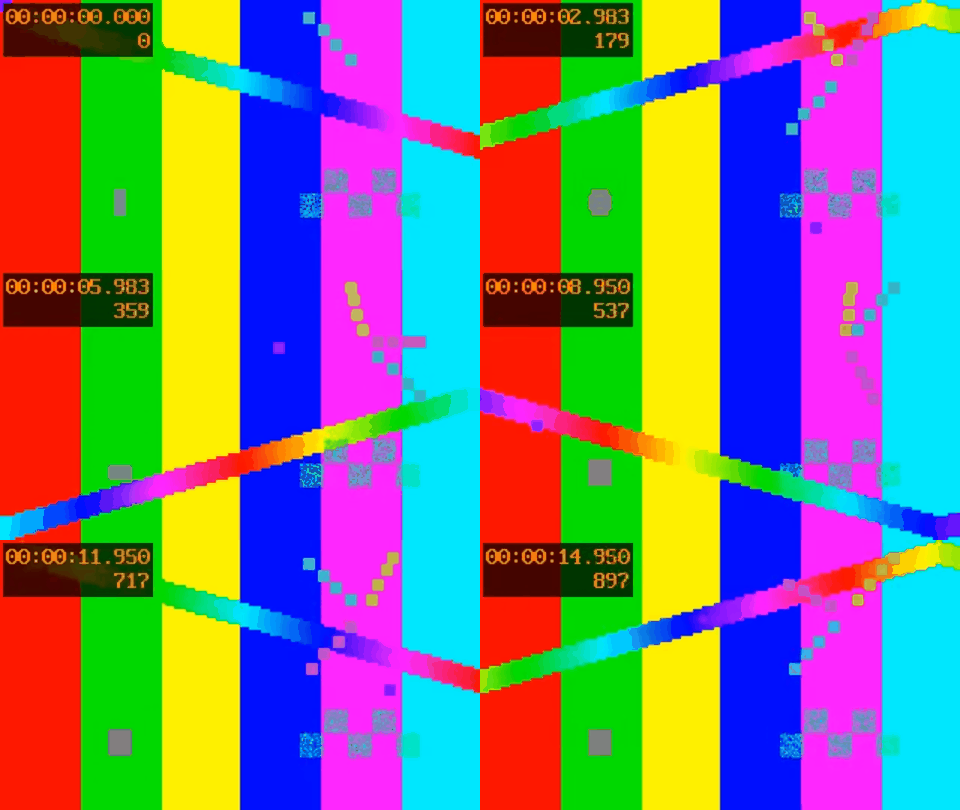
| 60 fps test pattern / Lottie ZIP | 2,279,886 | 480×270 | 360 / 15.000s / 24.00 fps | No key; inspect alpha in manifest |
| 60 fps test pattern / GIF | 8,915,242 | 480×270 | 360 / 15.000s / 24.00 fps | No key; inspect alpha in manifest |
| 60 fps test pattern / WebM | 2,574,847 | 480×270 | 308 / 14.962s / 20.59 fps | No key; inspect alpha in manifest |
What these files actually show
The green-screen source contains 96 identical decoded frames. It demonstrates background removal, not motion. The UI source contains changing geometry; the 15-second test pattern starts at 60 fps and is resampled to 24 fps. Both GIF and Lottie ZIP retained the requested 96 / 96 / 360 frames and full 4 / 4 / 15-second durations.
The MediaRecorder WebM exports used wall-clock capture and did not always contain the requested frame count. The table reports their decoded frame counts, actual container durations, and count divided by duration; it does not label them exact 24 fps files. Repeat the export on your own device if precise timing matters.
Chrome decoded transparent background pixels and visible foreground pixels from the first green-screen output frame in all three formats. GIF contained only binary alpha. Lottie ZIP and WebM also contained partial alpha. This proves the alpha observed in these downloads on this Chrome version, not support in Safari, Firefox, native apps, or every other player.
For the unkeyed sources, the final GIF and Lottie outputs kept the first frame fully opaque. The WebM decoder reported partial alpha across those first frames, with a corner alpha value of 254 rather than 255; the raw pixel counts are included in the manifest. Inspect the actual exported image over the backgrounds you intend to use.
The table gives actual byte sizes for each output. The size difference depends on the source and requested settings, and WebM capture timing can change between runs. These synthetic examples do not establish a universal size ranking or a comparison at equal visual quality.
The decision in one table
If you have a short clip and want it transparent on a web page, you are really choosing between three practical outputs. They differ most in transparency quality, browser support, and file size.
| Criteria | Transparent GIF | Transparent WebM | Lottie ZIP (raster) |
|---|---|---|---|
| Transparency | 1-bit (hard edges) | Alpha depends on encoder and player | Image alpha depends on assets and player |
| Color depth | Up to 256 palette colors per frame | Video codec color | Image asset color |
| File size | Measure the actual export | Measure the actual export | Measure the actual export |
| Integration check | Destination GIF support | Target browser alpha playback | Image-capable player and asset paths |
| Needs a runtime? | No | No (native <video>) | Yes (lottie-web etc.) |
| Best for | Max compatibility, simple art | Modern, controlled browsers | Apps already using Lottie |
Transparency quality: the deciding factor
Transparent GIF only supports 1-bit alpha: a pixel is either fully visible or fully gone. On soft edges, shadows, glows, or anti-aliased text this produces ugly fringing, especially over colored backgrounds. Test the result on the intended background before using it for soft-edged artwork.
WebM and raster Lottie can preserve soft alpha when the encoder and player support it. Check the exported result on light and dark backgrounds; source quality and keying settings still affect hair, shadows, glows, and translucent edges.
File size and browser support
There is no single smallest format for every clip. Export the same time range, dimensions, frame rate, and background settings, then compare actual bytes and playback. WebM alpha support is a separate question from ordinary WebM playback; test the exact file in each target browser, including Safari and mobile environments.
Lottie ZIP needs a player that supports image assets. Unpack the archive when required and preserve the paths between animation JSON and images. GIF needs no Lottie runtime but has a limited palette and binary transparency. A successful preview in one player is not a compatibility guarantee for every platform.
How to choose
Match the format to the player you already have and the browsers you must support.
- Already using a Lottie player? Verify image-asset support with the runnable integration example, then compare Lottie ZIP.
- Does the exported WebM preserve alpha in your target browsers? Compare it with the other outputs.
- Does your destination require GIF and your artwork tolerate binary transparency? Try GIF.
- Need a fallback? Test the exact fallback file and destination before shipping it.
Quick checklist
- Need smooth edges? Rule out GIF (1-bit alpha).
- Supporting Safari or mobile? Test actual alpha playback instead of assuming support.
- Already loading a Lottie runtime? Lottie ZIP fits naturally.
- Export all three locally and compare on your real clip.
Reproduce the workflow
Use these local sample files to repeat the checks described in this guide. Review the file before using it in a production project.

Know the limits
- One desktop Chrome run per source and format; no mobile performance or cross-browser compatibility claim.
- The sources are synthetic. The green-screen source is static; only the UI and test-pattern sources contain motion.
- Requested settings are matched, but encoding quality controls differ. Actual output size is not a universal compression promise.
- WebM uses real-time capture; verify its actual duration, frame count, and alpha after downloading.
- The Lottie output contains image assets. Keep JSON and image paths together and use an image-capable player.
Frequently asked questions
Does transparent WebM work in Safari?
Do not assume alpha playback from ordinary WebM support. Test the exact export in the Safari versions and devices you support. If it fails, test GIF or an image-sequence Lottie in a compatible player as an alternative.
Why does my transparent GIF look jagged?
GIF supports only 1-bit transparency, so soft and anti-aliased edges become hard cutouts. Test the exported Lottie ZIP or WebM in the intended player for alpha support; PNG sequences can retain full-alpha source frames.
Which is smallest?
Measure your own clip at matched dimensions, duration, frame rate, and background settings. Content and encoder settings determine the file size; no format is guaranteed to be smallest.
Can I export all three?
The tool offers Lottie ZIP, GIF, PNG sequence, and WebM where supported. The nine downloadable examples here were exported through the actual UI. Check the downloaded alpha and timing in your target browser; WebM type support alone does not prove transparency.