EasyLottie Guide
Can MP4 Be Converted to Vector Lottie?
A clear answer to a confusing question: MP4 cannot be auto-converted to true vector Lottie. Here is why, and the realistic options that actually exist.
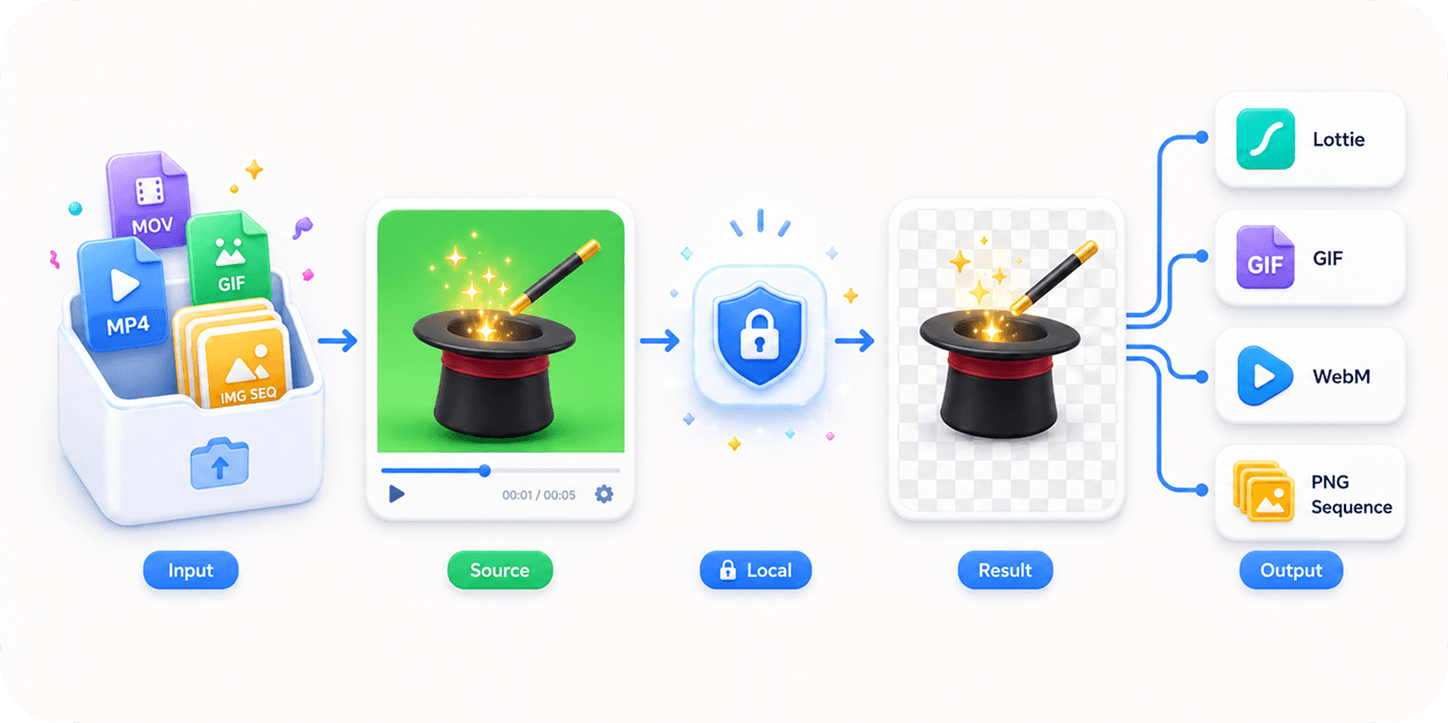
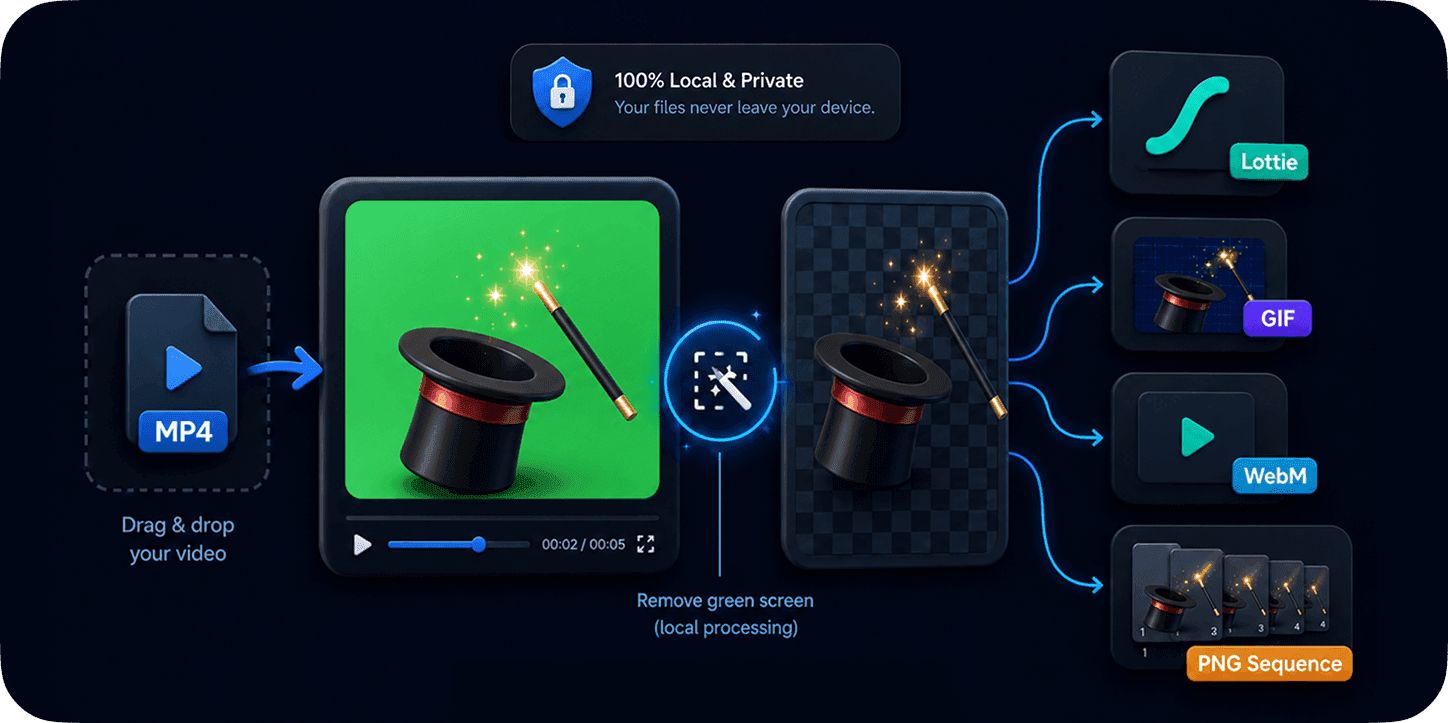
The short, honest answer
No tool can reliably turn an arbitrary MP4 into a true vector Lottie automatically. Vector Lottie stores shapes and keyframes as math; an MP4 stores pixels. Converting pixels back into clean, editable vector shapes is not a solved problem for general footage, and any product that promises it for any video is overselling.
This matters because "vector" is the whole reason people want Lottie: tiny files, infinite scaling, editable colors. If you start from video pixels, you do not get those properties for free - you have to choose between rebuilding as vector by hand or accepting a raster-based file.
True vector Lottie vs raster-frame Lottie
There are two things people call "video to Lottie", and the difference is everything. True vector Lottie is authored from shapes. Raster-frame Lottie is a Lottie file whose "animation" is a sequence of bitmap images - it plays in a Lottie runtime, but it is pixels inside, not vectors.
| Property | True vector Lottie | Raster-frame Lottie (from video) |
|---|---|---|
| Source | Authored in AE / Rive / LottieLab | Frames from MP4 / MOV / GIF / images |
| File size | Tiny (KB) | Larger (frames add up) |
| Scaling | Infinite, crisp | Softens when upscaled |
| Editable colors/shapes | Yes | No (it is baked pixels) |
| Auto from any video? | No | Yes - this is what converters do |
| Keeps exact footage look | Only if redrawn carefully | Yes, pixel-for-pixel |
What to do instead
If you need a real vector animation, budget for rebuilding it. A motion designer can recreate the motion in After Effects (with Bodymovin), Rive, or LottieLab and export genuine vector Lottie. This is the only path to a small, scalable, editable file.
If you just need the clip to play on the web with transparency, use a raster-frame export and stop worrying about the word "vector". EasyLottie can wrap your video as a transparent Lottie ZIP, or export a transparent WebM, GIF, or PNG sequence - all locally. Pick based on your player and target browsers.
- Need infinite scaling + tiny size + editability? Rebuild as vector in AE / Rive / LottieLab.
- Need the exact footage on the web with alpha? Export a raster Lottie ZIP or WebM.
- Unsure? Start with the browser converter and compare formats on your own clip.
Quick checklist
- Accept that arbitrary MP4 cannot auto-become vector Lottie.
- Choose vector (rebuild) or raster (wrap) based on your real need.
- For raster web clips, compare Lottie ZIP, WebM, GIF, and PNG sequence.
- Keep clips short to keep raster files manageable.
Reproduce the workflow
Use these local sample files to repeat the checks described in this guide. Review the file before using it in a production project.
Measured example: what the MP4 actually contains
The downloadable test clip is a four-second H.264 MP4 at 480 x 480 and 24 fps. Its pixel format is yuv420p and its file size is 4,785 bytes. Those measurements describe decoded video frames, not vector paths, shape layers, editable fills, or keyframes. Wrapping the frames in a Lottie-compatible package does not change that underlying representation.
| Property | Test MP4 | What it means for conversion |
|---|---|---|
| Duration | 4.00 seconds | About 96 source frames at 24 fps |
| Dimensions | 480 x 480 | Every raster frame carries a 230,400-pixel canvas |
| Codec | H.264 | The source stores compressed video pixels |
| Pixel format | yuv420p | Color is sampled for video delivery, not stored as editable vector fills |
| Source file size | 4,785 bytes | Output size must be measured separately because decoded frames expand before export |
A raster-frame Lottie can be useful when a product already requires a Lottie player, but it should be labeled honestly. Scaling it beyond the source resolution softens the same way any bitmap sequence does.
True vector reconstruction is an authoring task. A designer identifies objects, redraws paths, chooses which properties animate, and rebuilds timing. Automatic frame tracing usually creates excessive points, flicker, and large files.
Know the limits
- Raster-frame output does not provide infinitely sharp scaling, semantic shape layers, or reliable global color replacement.
- Long duration, high frame rate, and large dimensions multiply the number of pixels that must be stored, decoded, and displayed.
- Green-screen removal can produce transparent frames, but it cannot reconstruct details already lost to compression, motion blur, shadows, or color spill.
If your result is different
- 1.Decide whether the destination truly requires a Lottie runtime. Use transparent WebM, GIF, or a PNG sequence when those formats match the delivery environment better.
- 2.Trim the clip before conversion, then reduce dimensions and frame rate while comparing motion quality on the real target screen.
- 3.Preview keyed edges on both light and dark surfaces. Adjust tolerance, softness, despill, and choke only after identifying the specific defect.
- 4.Rebuild the motion with shapes when crisp scaling, small vector output, or editable brand colors are hard requirements.
Frequently asked questions
Can any tool convert MP4 to vector Lottie automatically?
No. Automatic vectorization of arbitrary video into clean editable Lottie shapes is not reliable. Tools that play your video "as Lottie" are wrapping raster frames, not creating vectors.
What is a raster-frame Lottie?
A Lottie file whose frames are bitmap images sequenced by a small JSON. It plays in a Lottie runtime but is pixels inside, so it does not scale infinitely or stay tiny like vector Lottie.
How do I get real vector Lottie?
Author or rebuild the animation in After Effects (Bodymovin), Rive, or LottieLab and export vector Lottie.
Is raster-frame Lottie useless then?
Not at all. It is great for short clips, AI green-screen videos, and transparent web micro-animations where matching the original footage matters more than file size.
Primary sources
Technical behavior was checked against the original runtime or format documentation below.