Convert a WebM animation to Lottie
Turn a WebM animation (for example a Figma motion export) into a Lottie-compatible animation, free and in your browser. Also handles MP4, MOV, GIF, and image sequences. Nothing is uploaded.
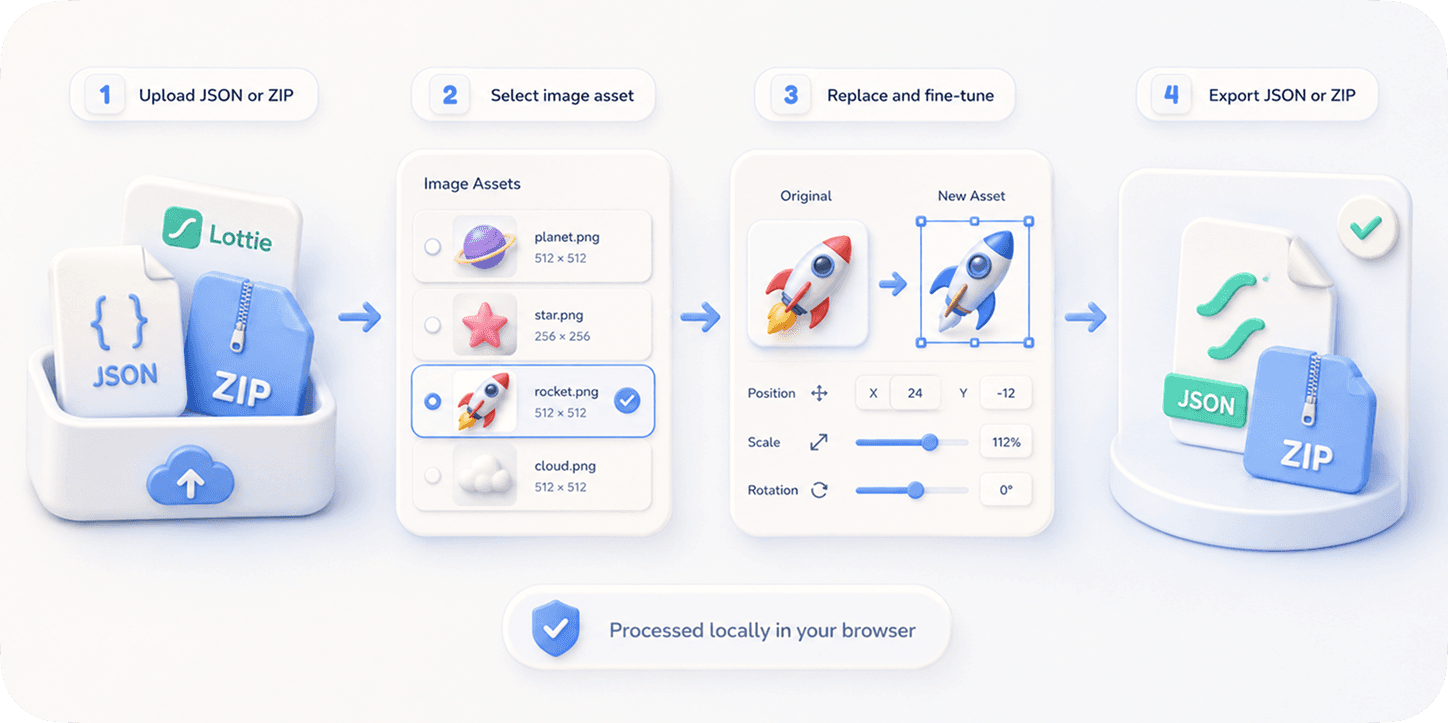
The problem
Figma and many other tools export motion as WebM — a raster video. But to ship it in an app or website, teams want Lottie, which WebM isn't.
Re-authoring the animation in After Effects just to get a Lottie is slow and often impossible if you only have the WebM.
Generic converters either fail on VP9 WebM or upload your file to a server.
The browser workflow
EasyLottie decodes your WebM frame-by-frame in the browser and packages it into a Lottie-compatible animation (image-sequence Lottie ZIP), with optional green-screen removal for transparent output.
Everything runs locally — your video never leaves your machine. You can also export transparent WebM, GIF, or PNG frames.
For crisp vector results, an animated SVG export converts to a true vector Lottie instead; for WebM/GIF the frame-based path keeps the exact look.
Complete the task
Get your WebM
Export your animation as WebM from Figma or any tool.
Open the video converter
Go to the Video to Lottie tool — it accepts WebM, MP4, MOV, GIF, and image sequences.
Drop it in and trim
Drag the WebM in, trim the range, and (optionally) remove a green-screen background.
Export
Export a Lottie-compatible ZIP (or transparent WebM/GIF/PNG frames), all locally.
Common use cases
Ship a Figma WebM export
Convert a Figma motion WebM into a Lottie-compatible asset for your app or site.
Transparent overlays
Remove a green-screen background and export a transparent animation.
Cross-platform playback
Get an animation you can drop into a Lottie pipeline instead of embedding a video.
Frequently asked questions
Can I convert WebM to Lottie for free?
Yes. EasyLottie converts WebM (and MP4/MOV/GIF/image sequences) to a Lottie-compatible animation for free, in your browser, with nothing uploaded.
Does it handle a Figma WebM export?
Yes. Drop the WebM into the Video to Lottie tool and export a Lottie-compatible ZIP.
Is it a true vector Lottie?
WebM is raster video, so the result is an image-sequence Lottie that preserves the exact look. For true vector Lottie, export your Figma animation as SVG instead.
Is my video uploaded?
No. Decoding and conversion run entirely in your browser.
Can I get a transparent result?
Yes — remove a green-screen background and export transparent WebM, GIF, or a Lottie ZIP.