Convert an animated SVG to Lottie
Turn an animated SVG (CSS @keyframes — like a Figma motion export) into a true vector Lottie, free and entirely in your browser. No After Effects, no signup, nothing uploaded.
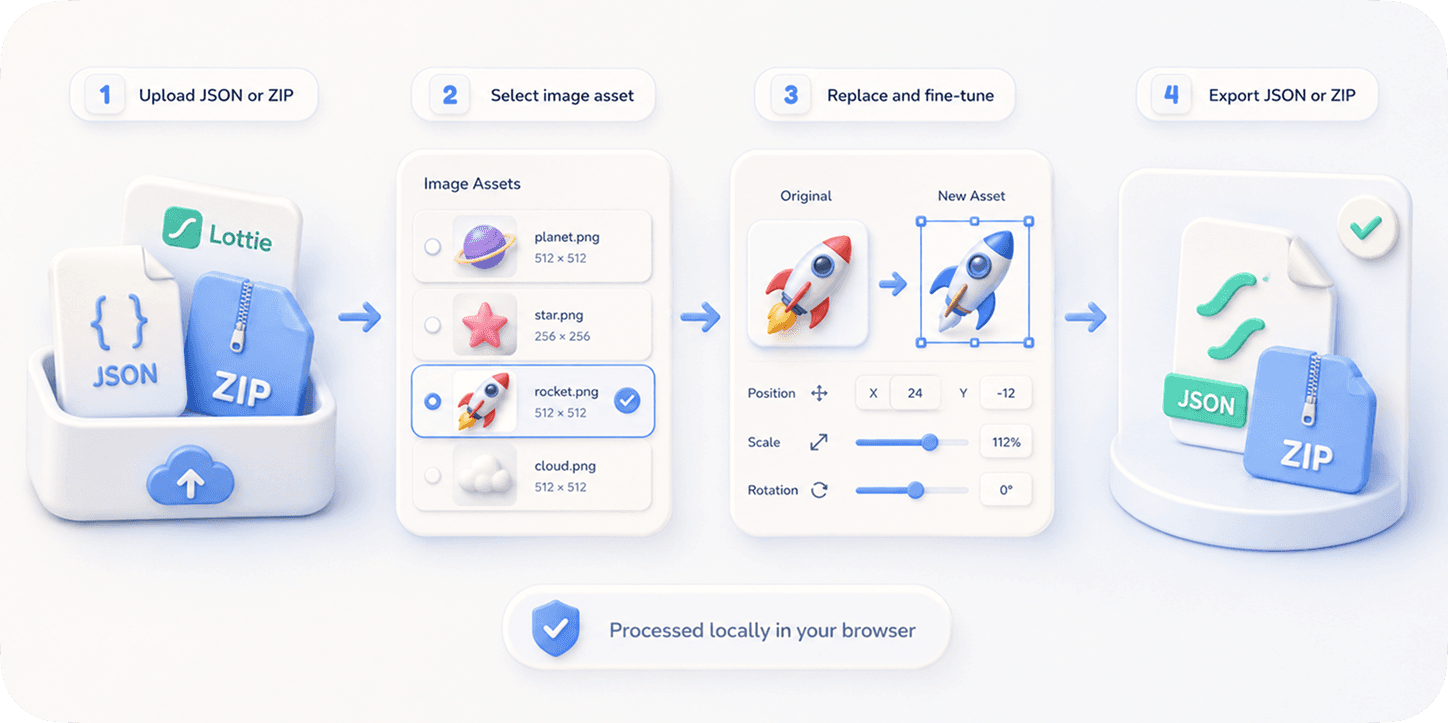
The problem
An animated SVG looks great on the web, but most apps and design systems standardize on Lottie. SVG animation lives in CSS @keyframes or SMIL inside the file; there's no built-in way to hand it to lottie-web, lottie-ios, or lottie-android.
The usual advice is to rebuild the animation in After Effects and re-export with Bodymovin — slow, and pointless when the motion already exists in the SVG. Hand-converting the JSON is error-prone.
Raster converters turn your crisp vector SVG into a heavy video-in-a-Lottie wrapper, losing the small size and resolution-independence that made vector worth using.
The browser workflow
EasyLottie compiles an animated SVG directly into a true vector Lottie: shapes become Lottie shape layers, embedded images become Lottie image layers, and the CSS @keyframes transforms become Lottie keyframes — small, scalable, and ready for any Lottie runtime.
It runs 100% in your browser, so nothing is uploaded. You get a live preview and a one-click JSON export.
If an SVG uses features that can't be vectorized cleanly (gradients, filters, masks), you're guided to the video converter instead — so there's always a path to Lottie.
Complete the task
Get your animated SVG
Export it from Figma (Motion), or any tool that produces a CSS @keyframes / SMIL animated SVG.
Open the converter
Go to the Figma to Lottie tool — it handles animated SVG natively, in the browser.
Drop the SVG in
Drag the file in; the animation is compiled to a vector Lottie and previewed live.
Export the Lottie
Download the .json and drop it into your web or app project — no After Effects.
Common use cases
Ship a Figma motion export
Designed motion in Figma and exported SVG? Convert it to a Lottie your developers can use directly.
Reuse existing SVG animations
Turn an animated SVG icon you already have into a Lottie for consistent playback across web, iOS, and Android.
Keep it vector
Get a small, resolution-independent Lottie instead of a heavy rasterized wrapper.
Frequently asked questions
Can I convert an animated SVG to Lottie for free?
Yes. EasyLottie converts animated SVG (CSS @keyframes) to a true vector Lottie for free, in your browser, with no signup and nothing uploaded.
Does it work with a Figma SVG export?
Yes — Figma's animated SVG export (CSS @keyframes on shapes, plus embedded images) is exactly what the converter is built for.
Is the result a true vector Lottie?
Yes, for supported SVGs. Shapes and transforms become real Lottie vector layers, not a video wrapper, so the file stays small and scalable.
What if my SVG has gradients or filters?
Those can't be vectorized cleanly yet; you'll be guided to the video converter so you still get a Lottie.
Is my file uploaded?
No. Conversion runs entirely in your browser.