Preview Lottie animations online
Drop in a Lottie JSON, ZIP, or APK and watch it play instantly. Pause, scrub frame by frame, change the speed, and inspect the file — free, no signup, and entirely in your browser.
The problem
A Lottie file is just JSON, which means you cannot tell what it looks like until something renders it. You download an animation, double-click it, and your editor shows a wall of nested arrays — completely opaque. Before you commit it to a build, you need to actually see it move.
Spinning up a local lottie-web harness or a throwaway sandbox just to preview one file is a lot of ceremony for a quick look. And it gets harder when the artwork lives in a separate ZIP or is buried inside an Android APK — a bare player will render a broken animation with missing images because it never resolves the external assets.
Many online viewers add their own friction: they ask you to sign up, cap how many files you can preview, or upload your animation to a server before they will play it. For an unreleased or client-confidential asset, handing it to a third party just to watch it loop is not acceptable.
The browser workflow
EasyLottie Preview is a free online Lottie player and inspector that renders your animation the instant you drop it in. It understands all three common packagings — a plain JSON, a ZIP with external images, and an APK — so the artwork resolves correctly and you see the animation exactly as it will appear in production, not a broken version with missing assets.
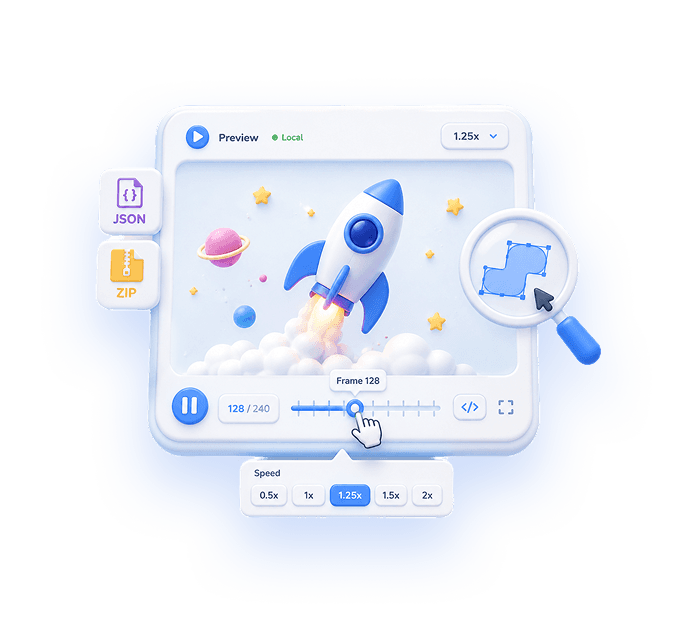
Full playback controls let you do real QA: play and pause, loop, scrub frame by frame to catch a glitch on a specific frame, and adjust the speed from 0.25x to 2x to study fast motion or confirm timing. You can resize the canvas and change the preview background to check the animation against light and dark surfaces before you ship it.
Everything runs locally — nothing is uploaded, so confidential and pre-release files stay on your machine — and there is no signup, no file cap, and no cost. Preview as many animations as you want, as often as you want. Trusted by 1,000+ developers and rated 4.9★ across 200+ reviews, it handles files up to 50 MB on desktop or mobile.
Complete the task
Open Preview
Go to easylottie.com/preview. It loads in under a second with no signup and nothing to install.
Upload your Lottie file
Drag and drop a JSON, ZIP, or APK, or click to select one from your device. ZIP and APK packages have their external images resolved automatically, up to 50 MB.
Watch it play instantly
The animation starts rendering the moment it loads, so you see exactly how it will look in production rather than guessing from raw JSON.
Control and inspect playback
Play, pause, loop, scrub frame by frame, and set the speed anywhere from 0.25x to 2x to study timing and catch glitches on specific frames.
Test against real conditions
Resize the canvas and switch the preview background to verify the animation holds up on light and dark surfaces before you deploy it.
Common use cases
Pre-deploy QA
Confirm an animation loops cleanly, hits the right speed, and renders without missing assets before it goes into a build or landing page.
Inspecting unknown files
Received a Lottie from a designer or pulled one from an APK and have no idea what is inside? Drop it in and see it move in seconds.
Debugging a specific frame
Scrub frame by frame and slow the speed to 0.25x to isolate exactly where a flicker or timing issue happens.
Frequently asked questions
What file formats can I preview?
Lottie JSON, ZIP packages containing a Lottie plus its images, and APK files with bundled Lottie animations. External assets in ZIP and APK files are resolved automatically so nothing renders broken.
Is it really free, and is there a signup?
Yes, it is 100% free with no signup, no payment, and no file cap. Preview as many Lottie animations as you like, as often as you like.
Are my files uploaded to a server?
No. All rendering happens locally in your browser, so your animation never leaves your device — ideal for unreleased or client-confidential files up to 50 MB.
What playback controls are available?
Play and pause, loop, frame-by-frame scrubbing, speed from 0.25x to 2x, canvas resizing, and a customizable preview background for checking light and dark surfaces.
Can I preview a Lottie that lives inside an APK?
Yes. Upload the .apk and EasyLottie extracts and renders the Lottie animations inside it, with their image assets resolved, just like a JSON or ZIP.