The Lottie editor comparison nobody else writes
A honest side-by-side of the four most common ways to edit a Lottie animation in 2026 — by features, privacy, and price.
The problem
If you Google "Lottie editor," you get a wall of SEO pages that all conclude their own tool is best. None of them give you the matrix you actually need to make a decision.
Real choice in 2026: After Effects + Bodymovin (the source of all Lottie files, but $22.99/mo and a steep curve), the LottieFiles online editor (good UI but feature-locked behind a paid plan, files uploaded to their servers), code-level JSON editing (free but error-prone for image layers), or a focused browser editor like EasyLottie.
The right answer depends on what you actually need: authoring from scratch, editing existing files, batch operations, team sharing, or one-off tweaks.
The browser workflow
Here is the honest matrix. Pick the row that matches your actual job, and the column with the most green wins.
After Effects + Bodymovin is the right answer if you author Lottie animations from scratch and have access to a designer with the .aep source. It is the wrong answer for everything else.
LottieFiles is the right answer if you need cloud storage, team libraries, and asset management across a design team — and you don't mind their pricing tier and uploading your files to their cloud.
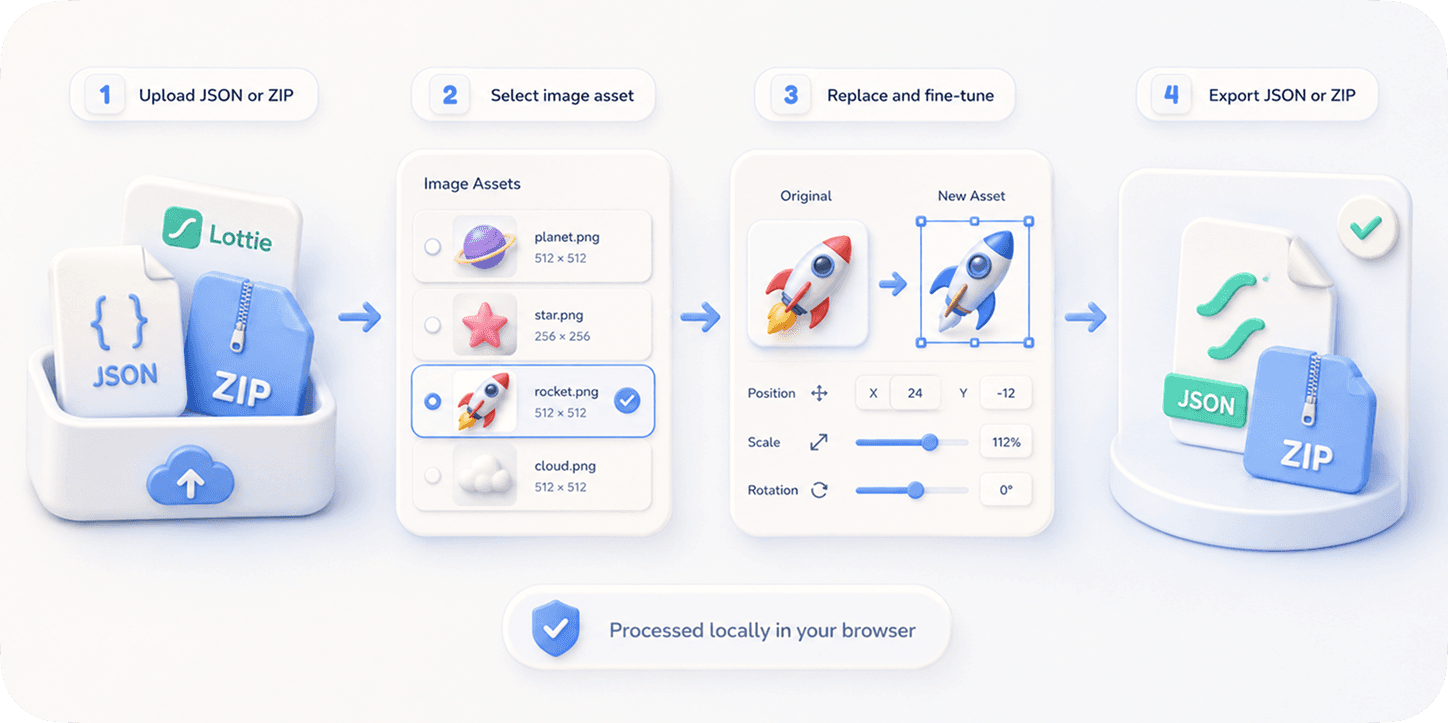
EasyLottie is the right answer if you just need to edit an existing Lottie file: change a color, replace an image, adjust speed, preview, export. Free, no signup, no upload, no team plan needed.
Complete the task
Identify your job-to-be-done
Authoring from scratch? Editing existing files? Both?
Pick the right tool for that job
AE for authoring, EasyLottie for in-browser edits, LottieFiles for team-managed asset libraries.
For most quick edits — just open EasyLottie
70% of tickets that say "can you tweak this Lottie?" are 30-second tasks the browser handles.
Reach for AE only when you need keyframes
Anything involving timeline, motion paths, easing curves — that is After Effects territory.
Reach for LottieFiles when team workflow matters
Shared libraries, comments, version history, embed widgets — that's the LottieFiles sweet spot.
Common use cases
Solo developer with one Lottie to swap an image in
EasyLottie — done in 30 seconds, free.
Brand designer building a 12-asset Lottie library
LottieFiles — shared workspace pays for itself.
Motion designer building a complex hero animation
After Effects + Bodymovin — no alternative.
Frequently asked questions
Does EasyLottie replace After Effects?
No. AE authors animations from scratch. EasyLottie edits existing ones. We recommend both — for the right jobs.
Is LottieFiles bad?
No. It is excellent for team libraries and asset management. For one-off edits without a team, it is more than you need.
Why is EasyLottie free when others charge?
EasyLottie is a static site with no server processing — there is nothing to pay for. Other tools run editing servers and charge for compute.
Can I use multiple tools together?
Yes — common workflow: author in AE, store in LottieFiles, edit quick tweaks in EasyLottie.
What about LottieLab, Jitter, Rive?
Different category — they create animations, not edit Lottie files specifically. Worth a look if you want a Lottie/AE alternative for authoring.