Turn short clips into useful UI motion
Buttons, loading states and success messages. Play the actual exports, download the sources, or convert them yourself.
Convert my own clipVideo exports are Lottie ZIPs containing image frames, without editable vector paths. These examples keep their original background and may be larger than the MP4.
01
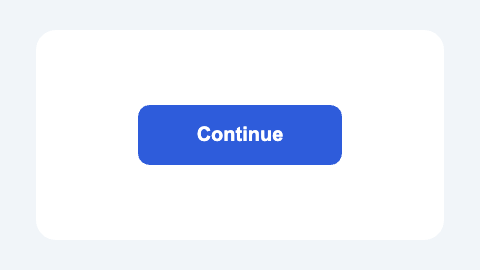
Button feedback
A short press and ripple for a call to action.
Play once after a user action. In a live interface, show completion only when the real action succeeds.
- Actual export
- 480 × 270 px
- Duration / frame rate
- 3 s / 24 fps
- Source MP4
- 13.4 KiB
- Lottie ZIP
- 171.5 KiB
Settings: 480 px · 24 fps · 70% quality · Full clip · Original background.
02
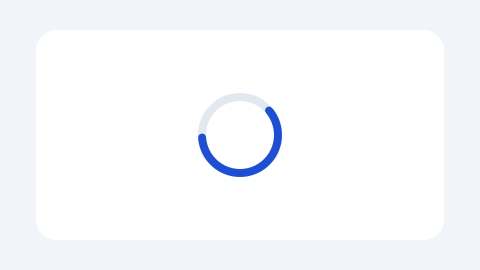
Loading loop
A continuous spinner for a waiting state.
Loop while work is pending and stop when it finishes. Pair it with a text status and a reduced-motion alternative.
- Actual export
- 480 × 270 px
- Duration / frame rate
- 3 s / 24 fps
- Source MP4
- 13.8 KiB
- Lottie ZIP
- 150.1 KiB
Settings: 480 px · 24 fps · 70% quality · Full clip · Original background.
03
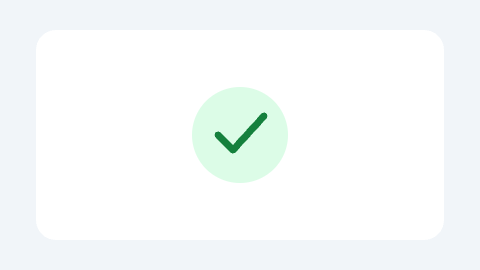
Success confirmation
A drawn checkmark for a completed action.
Play once after a confirmed success. Keep the final state or a text confirmation visible.
- Actual export
- 480 × 270 px
- Duration / frame rate
- 3 s / 24 fps
- Source MP4
- 8.5 KiB
- Lottie ZIP
- 118.1 KiB
Settings: 480 px · 24 fps · 70% quality · Full clip · Original background.
From example to your product
- Load an example, review its settings and render. Then choose “Use my own file” to try your material.
- After a successful export of your own file, reuse its export settings in this browser. Review the trim, crop and background for each new clip.
- Keep the exported JSON and images together on your site, then test play, loop and stop behavior.
Method and use: these original EasyLottie sample clips may be used in personal and commercial projects. Outputs were generated in this converter and checked in Chrome’s web player; native iOS, Android and other players require separate testing. View settings, file checksums and test date.