EasyLottie Guide
Lottie JSON vs Lottie ZIP: What’s the Difference?
A clear explanation of when a plain JSON is enough and when a ZIP package prevents missing assets.
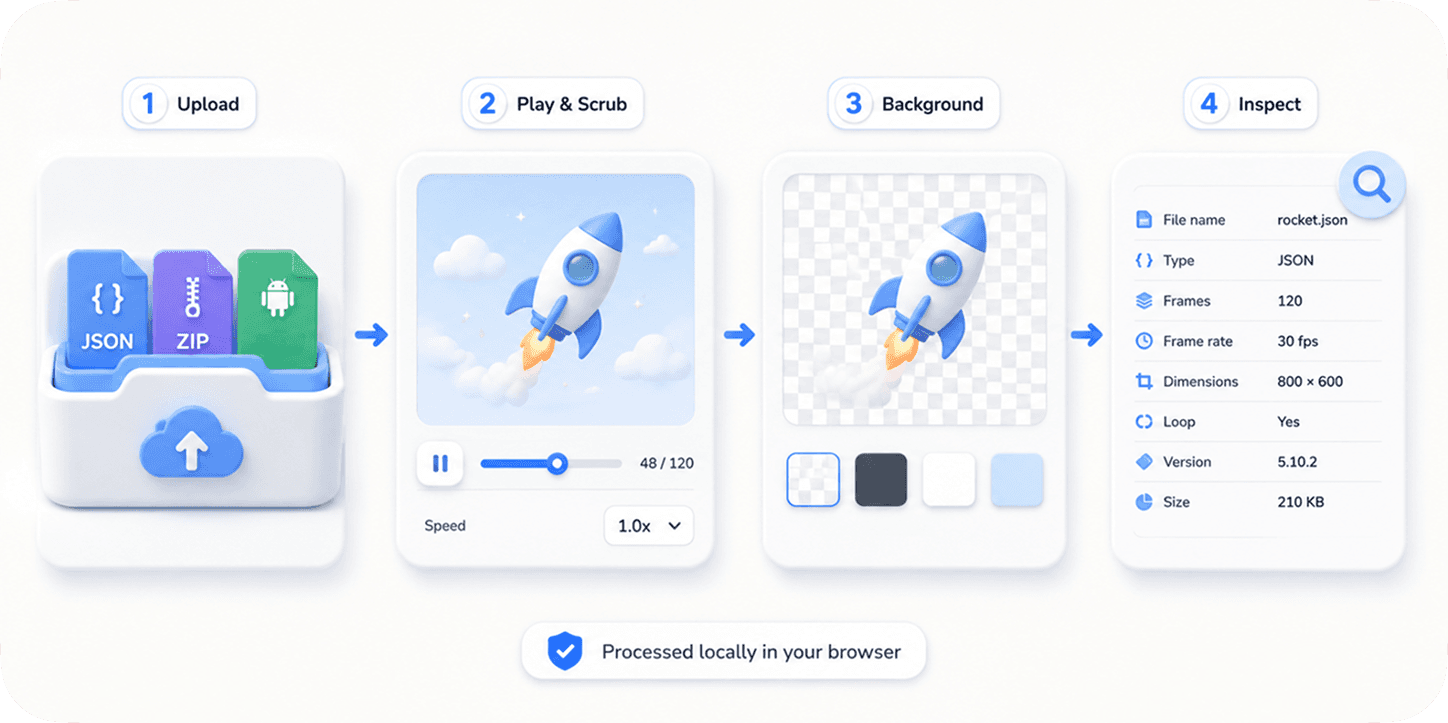
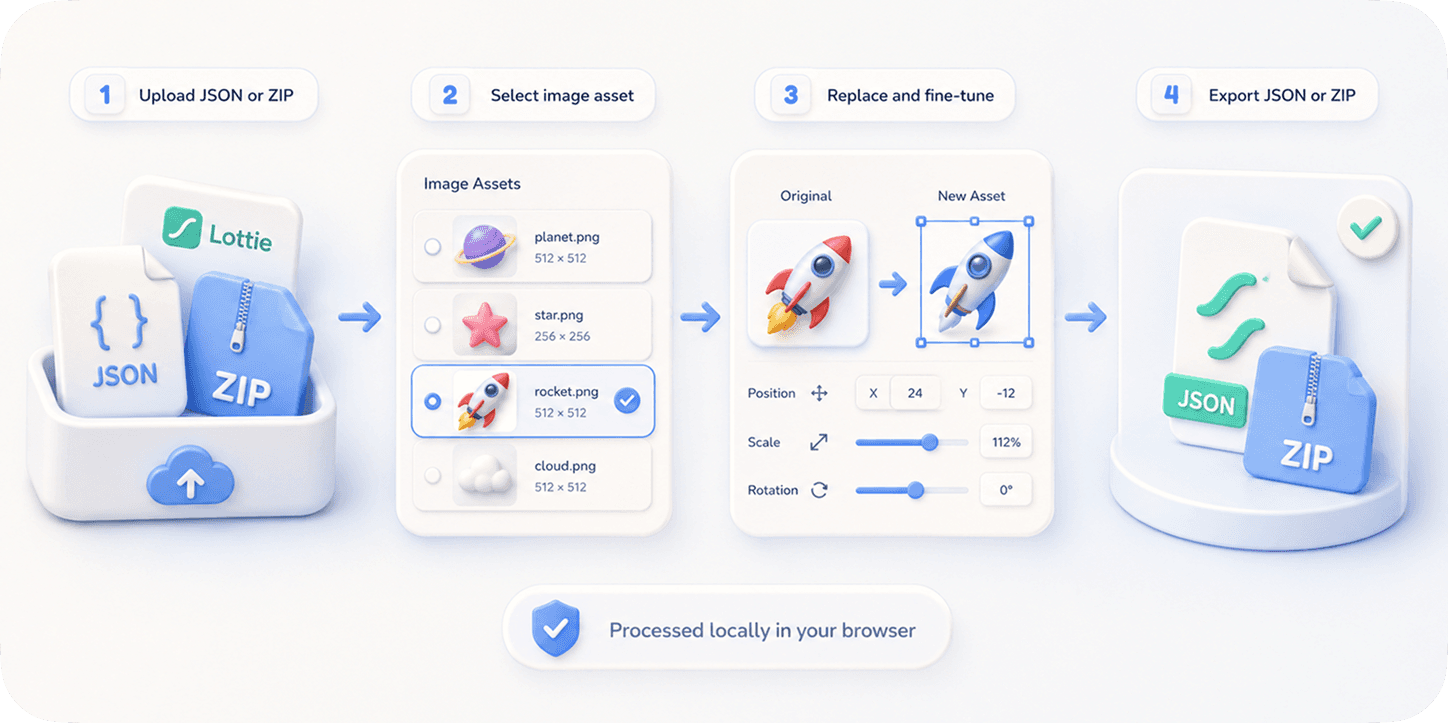
The short version
A Lottie JSON file contains the animation instructions: layers, shapes, timing, colors, transforms, and metadata. If the animation is purely vector-based or embeds every required asset, a single JSON can be enough.
A Lottie ZIP is a package. It usually contains the JSON plus image assets referenced by that JSON. ZIP is safer when an animation includes screenshots, logos, textures, avatars, or other raster files.
Why JSON files sometimes break
The JSON may reference an image path such as images/img_0.png. If that image is not included alongside the JSON, a viewer or app runtime cannot render it. The animation may play with blank areas, missing logos, or broken scenes.
This is why marketplace downloads and designer handoffs often arrive as ZIP files. The package keeps the JSON and asset folder together, which makes previewing and editing more reliable.
Which format should you use?
Use JSON when the animation is simple, vector-based, and already plays correctly in your target runtime. Use ZIP when images are involved, when you need to replace assets, or when you are not sure whether the JSON depends on external files.
For editing, ZIP is often the better handoff format. Image Replace can detect and update assets inside the package, then export a complete file set that developers can test immediately.
Quick checklist
- Use JSON for simple vector animations.
- Use ZIP for image-heavy animations.
- Preview before embedding.
- Keep asset paths intact.
- Export ZIP when replacing images.
Reproduce the workflow
Use these local sample files to repeat the checks described in this guide. Review the file before using it in a production project.
Tested result: self-contained JSON versus asset package
The spinner and pulse downloads are small self-contained JSON examples. Each has one layer and an empty asset list, so the complete animation travels in one file. The compressor demo provides a contrast: it declares three assets, which means the asset records must be examined before assuming that copying only the JSON is sufficient.
| File | Measured structure | Packaging decision |
|---|---|---|
| spinner.json | 1,527 bytes, 1 layer, 0 assets | A single JSON is sufficient |
| pulse.json | 1,357 bytes, 1 layer, 0 assets | A single JSON is sufficient |
| compressor-demo.json | 1,713 bytes, 2 layers, 3 asset records | Inspect asset types and paths before handoff |
| dotLottie | ZIP-based standardized container with a manifest | Use when the target player supports the dotLottie specification |
| Generic ZIP | Project-defined folder containing JSON and assets | Verify internal paths with the receiving runtime |
The filename extension alone does not tell you whether an animation is self-contained. Inspect the assets array and test the file outside the folder where it was created.
A generic ZIP and a `.lottie` file are not interchangeable names for the same contract. dotLottie defines a manifest and container structure, while a generic ZIP may use any folder layout expected by a specific tool.
Know the limits
- Not every player accepts a generic ZIP upload, and not every player supports the dotLottie container. Confirm the target runtime before selecting the handoff format.
- An assets array can contain precompositions as well as raster image records. A non-empty array does not automatically prove that external image files are missing.
- Renaming folders inside a ZIP can break relative paths even when every required file is still present.
If your result is different
- 1.Open the JSON and inspect each asset record for a filename, relative path, embedded data URL, or nested layer data.
- 2.Extract the package without changing its folder structure, then verify that every referenced image exists at the expected relative path.
- 3.Test the JSON alone and the complete package. The difference between those results identifies an asset-resolution problem.
- 4.Use dotLottie only when the destination documents support for its manifest and container specification.
Frequently asked questions
Is Lottie ZIP an official format?
ZIP packaging is a common practical way to keep a Lottie JSON and its referenced assets together.
Can I preview both JSON and ZIP?
Yes. EasyLottie Preview supports both.
Why are image assets missing?
The JSON likely references external images that were not included with the file.
Which format is best for developers?
The best format is the one that preserves all required assets. For image-based animations, ZIP is usually safer.
Primary sources
Technical behavior was checked against the original runtime or format documentation below.