EasyLottie Guide
Why Is My Lottie Animation Not Playing? (And How to Fix It)
Blank canvas, missing images, or an animation that just will not move? Here are the usual reasons a Lottie fails to render, and how to pin down the cause fast.
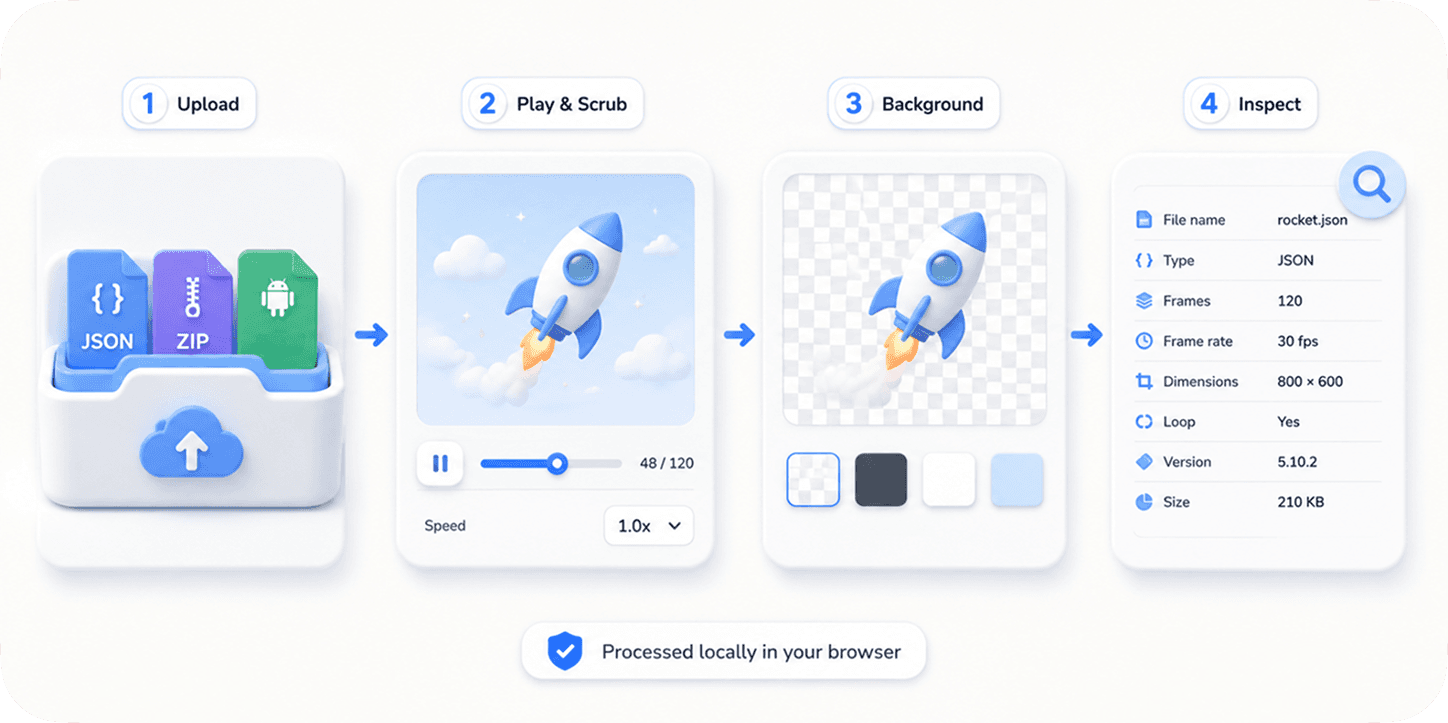
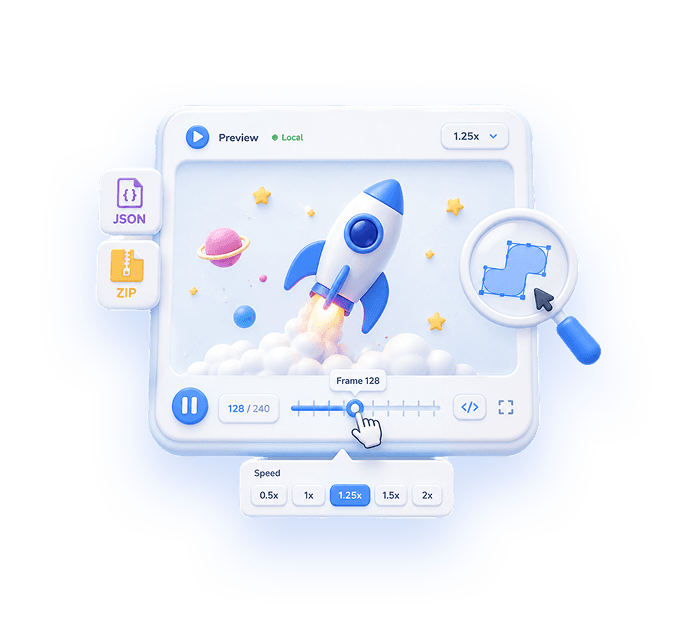
Start by isolating the file from your code
When a Lottie will not play inside your app, the first question is whether the problem is the file or the integration. The fastest way to find out is to open the same file in a standalone Lottie viewer. If it plays there but not in your app, the issue is your runtime setup; if it fails in the viewer too, the file itself needs attention.
Drop the JSON (or ZIP) into EasyLottie Preview. It renders locally in your browser, so you get an immediate, honest answer without touching your codebase.
The most common causes
Most "Lottie not playing" reports come down to a short list of causes. Work through them in order.
| Symptom | Likely cause | Fix |
|---|---|---|
| Blank boxes where images should be | External image assets are missing | Upload a ZIP with the JSON + images, or embed the images |
| Nothing shows at all | Broken/invalid JSON, or wrong file | Re-export the animation; confirm it is a real Lottie JSON |
| Plays in a viewer, not in your app | Renderer or runtime setup | Check the lottie-web/lottie-react config, autoplay, and loop |
| Parts missing or wrong | Unsupported expressions/effects | Re-export without unsupported features, or rasterize |
| Invisible on the page | No size, or same-color background | Give the container width/height; change the background |
Fix #1: missing images (the most frequent one)
A very common case is a Lottie JSON that references external image files. On its own, the JSON has nowhere to load those images from, so you see blank boxes. The fix is to upload a ZIP that contains the JSON and its image folder together, or to rebuild the file with the images embedded. If you are not sure whether your file uses external images, previewing it will show the blanks immediately.
Fix #2: it plays in a viewer but not in your app
If the file animates in Preview but not in your product, the file is fine - the integration is not. Check that the animation container has a real width and height, that autoplay and loop are set the way you expect, and that the renderer (SVG vs canvas) supports what the animation uses. A background the same color as the animation can also make a perfectly working Lottie look invisible.
Quick checklist
- Open the file in Lottie Preview to isolate file vs integration.
- If images are blank, upload a ZIP with the JSON + image folder.
- If nothing shows, re-export and confirm it is valid Lottie JSON.
- If it plays in the viewer only, check container size, autoplay, loop.
- Switch the background color to rule out invisible-on-same-color.
Reproduce the workflow
Use these local sample files to repeat the checks described in this guide. Review the file before using it in a production project.
Diagnostic baseline: prove the player before changing the file
The spinner and pulse downloads are known-good controls with identical structural metadata: 240 x 240, 30 fps, 60 frames, two seconds, one layer, and no external assets. Testing both prevents a single lucky render from hiding an intermittent loading or container problem.
| Observed result | Likely boundary | Next action |
|---|---|---|
| Neither baseline plays | Page, player, container, policy, or JavaScript setup | Inspect loading errors and runtime initialization |
| Baselines play, original is blank | Original JSON, frame range, unsupported feature, or contrast | Inspect metadata and renderer support |
| Shapes play, images are blank | External asset path or missing package files | Retest with the complete ZIP and assetsPath |
| Browser works, app fails | Target runtime support or integration | Compare the target supported-feature matrix |
| Animation is visible but frozen | Autoplay, loop, segment, direction, or zero-size timing range | Inspect playback options and in/out points |
Use loading events as evidence. lottie-web exposes data_failed, loaded_images, DOMLoaded, and related events that narrow the failure stage more reliably than repeatedly changing CSS.
A blank region is not always a parsing failure. Zero-sized containers, foreground and background colors that match, off-canvas transforms, and a paused first frame can all look like an empty player.
Know the limits
- A successful browser render does not prove compatibility with every mobile or native renderer because supported features differ across platforms and rendering engines.
- Console errors can identify loading and parsing failures, but a visually incorrect mask, expression, text layer, or blend mode may require layer-by-layer export testing.
- Changing autoplay or loop cannot repair missing assets, malformed JSON, unsupported features, or an invalid frame range.
If your result is different
- 1.Load a known-good local JSON in the same container and with the same player configuration as the failing file.
- 2.Record whether data_ready, loaded_images, DOMLoaded, or data_failed fires. Use the last successful stage to narrow the fault.
- 3.Give the container explicit width and height, temporarily set a contrasting background, and move to the first visible frame.
- 4.Restore the complete asset package, then compare renderer support and isolate complex layers if the structure loads but the visual result is wrong.
Frequently asked questions
Why does my Lottie show blank boxes instead of images?
The JSON references external images that are not bundled with it. Upload a ZIP containing the JSON and its images, or embed the images.
My Lottie plays in a viewer but not in my app - why?
The file is fine; the integration is not. Check the container size, autoplay/loop settings, and the renderer configuration in lottie-web or lottie-react.
How do I know if the file itself is broken?
Open it in EasyLottie Preview. If it fails to render there too, re-export the animation and confirm it is a valid Lottie JSON.
Why is my Lottie invisible even though it loads?
The container may have no size, or the background is the same color as the animation. Give it width/height and change the background to check.
Primary sources
Technical behavior was checked against the original runtime or format documentation below.